01
WordPress stays at the center
Use WordPress themes, plugins and content tools without having to build the underlying hosting environment yourself. Your hosting is there to support the application, not become the application.
Launch your website, blog or online business on a WordPress environment designed to stay simple to operate.
Choose your resources, connect your domain and let Esadax handle the hosting layer. You keep your attention on your website, content and business.

Your WordPress hosting setup is deliberately simple: choose the resources, select or connect your domain, and let the automated installation complete the technical configuration.
Start with the resources your website needs today. You can increase your WordPress hosting resources later as traffic and workloads grow.
Use the domain included with your plan or connect a domain you already own. Choose a name that is simple, memorable and appropriate for your project.
Esadax handles the installation and the connection between your domain, hosting environment and WordPress so that you can move directly to building your website.
All three plans use the same WordPress hosting workflow. The difference is the amount of storage and computing resources available to your website.
WordPress
WordPress hosting for launching websites and blogs
WordPress
WordPress hosting for professional websites and growing traffic
WordPress
WordPress hosting for high-traffic websites and demanding workloads
Your WordPress hosting comes with the services and infrastructure needed to take a website from initial setup to production without assembling separate components.
Register the domain used by your WordPress website as part of the hosting setup.
The WordPress installation and domain connection are handled automatically.
Secure website traffic with free TLS/SSL certificates for your site.
Use professional email addresses associated with the domain used by your website.
WordPress itself gives you the publishing and extension ecosystem. Your hosting should give you a reliable place to run it, enough resources to grow, and fewer infrastructure tasks to manage.
Use WordPress themes, plugins and content tools without having to build the underlying hosting environment yourself. Your hosting is there to support the application, not become the application.
A website that grows does not always need the same amount of compute or storage. Esadax allows you to increase the resources allocated to your hosting as traffic and application requirements change.
Caching, TLS and the underlying hosting environment all contribute to a faster, more consistent WordPress experience for visitors and administrators.
WordPress
Whether you are publishing articles, presenting a company, running a portfolio or operating an online shop, the same hosting foundation can support the WordPress application behind it.
Infrastructure
The goal of managed WordPress hosting is simple: remove repetitive infrastructure work so that your team can spend its time on the site itself.

Choose a domain name that is simple, relevant to your project and easy to communicate. Esadax's domain suggestion tools can help you find an appropriate name and extension.
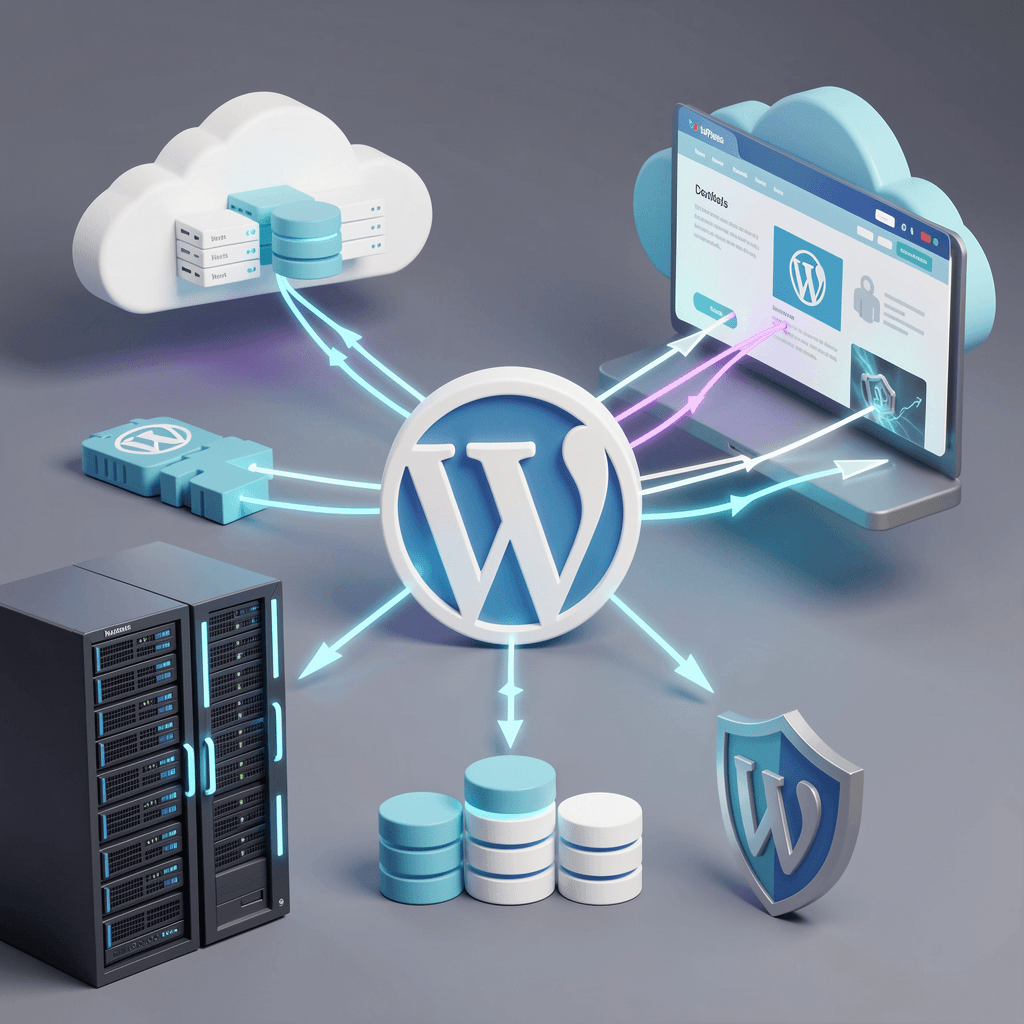
Choose the WordPress plan that fits your expected workload. You can increase your resources later when your traffic, content or application requirements change.
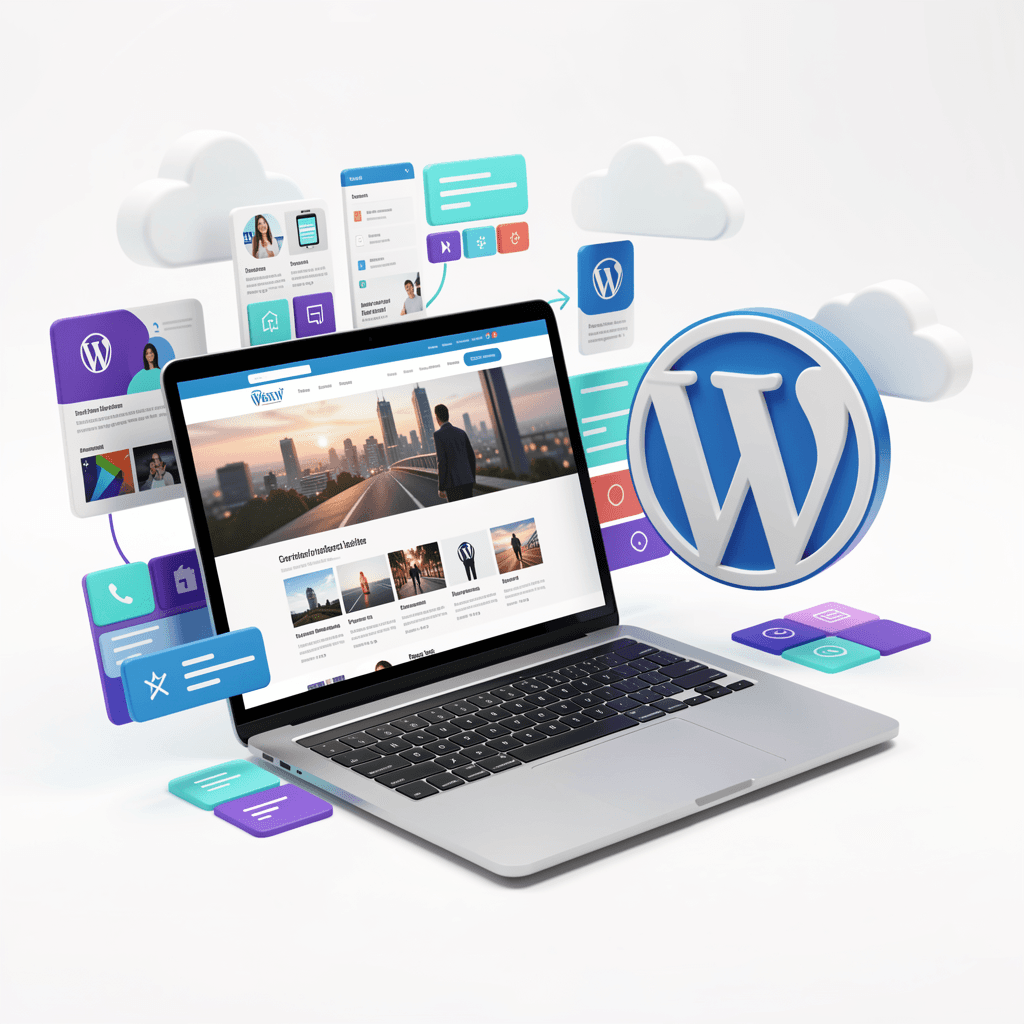
Once the required confirmation is completed, the WordPress installation and domain connection are handled automatically, leaving you with a ready-to-use website environment.
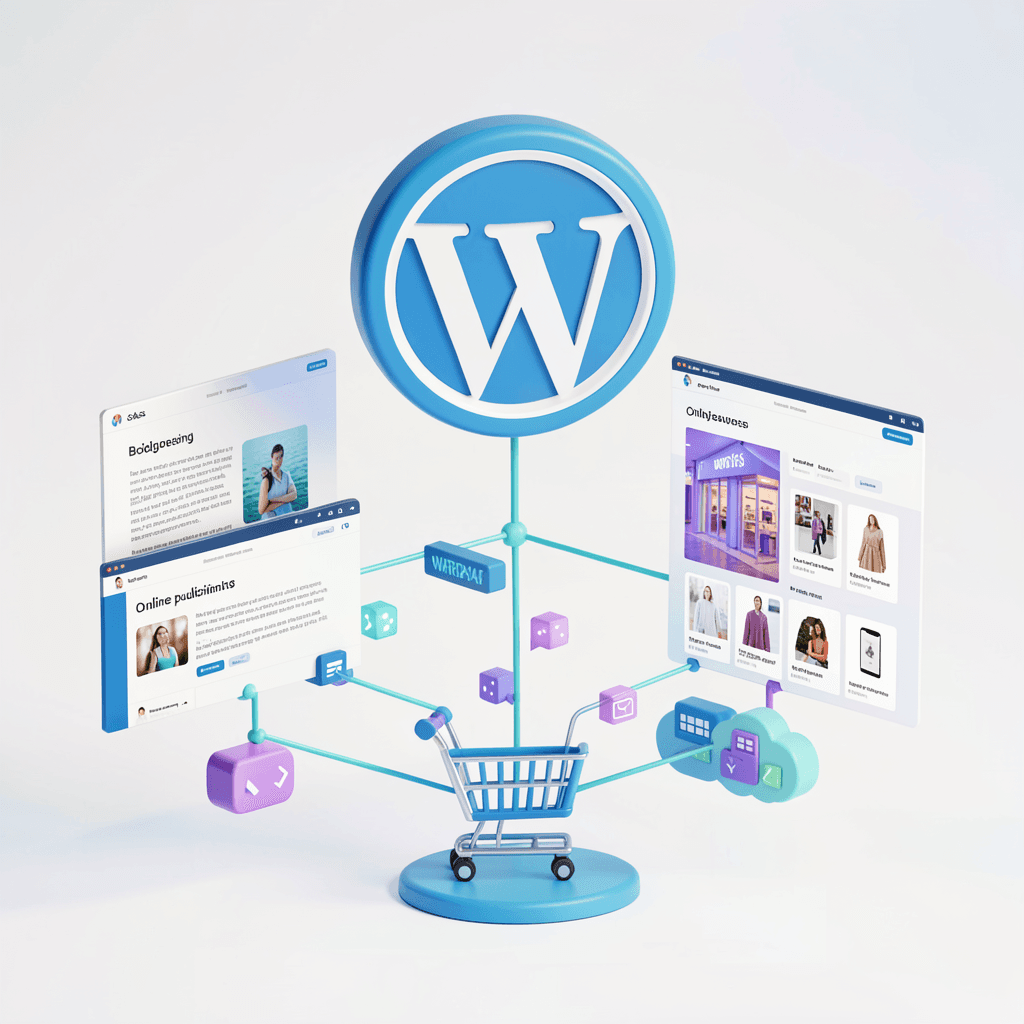
Choose your theme, install the plugins you need, publish your content and shape the site around your audience. WordPress gives you the tools; your hosting provides the environment in which they run.
The purpose is not to add complexity. It is to cover the recurring hosting requirements that sit underneath a WordPress website.
Select the included domain, choose the website name and confirm the security email. The WordPress installation is then handled automatically.
Manage your domain, hosting and WordPress environment from the same Esadax ecosystem instead of splitting the setup across multiple providers.
Use free TLS/SSL certificates to protect connections to your WordPress website and provide visitors with a secure browsing experience.
Two email accounts with 3 GB of storage each are included with your domain for professional addresses associated with your website.
Use the WordPress plugin ecosystem to add functionality for analytics, forms, security, marketing, e-commerce and more.
Your WordPress website and its content are hosted in Esadax's datacenters in France or Luxembourg.
Esadax's hosting architecture uses containers rather than traditional shared hosting to provide a more controlled environment for hosted applications.
Increase the computing resources allocated to your hosting when a temporary or permanent increase in traffic requires additional capacity.
WordPress should be the interface your team works with. The hosting layer should provide the resources, caching and connectivity required to keep that interface responsive and dependable.
Caching for frequently requested pages to reduce repeated work and improve response times.
Free TLS/SSL certificates for encrypted connections to your website.
Increase available resources as traffic and application requirements change.
European hosting locations in France or Luxembourg.
Your domain and hosting are connected as part of the automated setup.
The CMS is installed without requiring a separate manual server deployment.
Your selected plan determines the available storage and computing resources.
Once the setup is complete, you can move into WordPress administration and start publishing.
Your website is hosted in one of Esadax's datacenters in France or Luxembourg, giving you a European hosting environment for your website and data.
Traffic spikes, security incidents and technical problems are handled with a focus on maintaining continuity for your hosted projects.
Our in-house support team can assist with your hosting environment and related service issues through multiple communication channels.
Start with a WordPress hosting plan that matches your current requirements and increase your resources as the website grows.
Esadax hosting plans are flexible, so you can start with a smaller configuration and move to a higher plan as your website grows. The Advanced plan is a practical starting point, while Pro and Business provide additional storage and computing resources for larger workloads and traffic volumes.
Yes. After WordPress is installed, you have administrator access and can use the plugins available for your WordPress version. Keep plugins updated and avoid installing unnecessary plugins that could affect performance or security.
Your access information is available from the administration page of your Esadax hosting instance. If you cannot access the service or have lost your credentials, contact our support team for assistance.
WordPress hosting can be used for WordPress sites that include e-commerce functionality such as WooCommerce. For application-level configuration and plugin-specific issues, the relevant WordPress and WooCommerce documentation remains the appropriate reference.
Yes. WordPress should be kept up to date for security and compatibility. Before upgrading, verify that your themes, plugins and PHP environment are compatible with the target WordPress version.
You can register a domain through Esadax as part of your WordPress hosting setup, or connect a domain registered elsewhere. When using an external domain, the required DNS records must point to your Esadax hosting instance.
Esadax
Sell your products online and build your e-commerce presence on a professional web platform.
Open your e-commerce shopEsadax
Publish articles, share your expertise and build a professional blog around your subject or brand.
Create your blogStay up to date with the roadmap progress, announcements and exclusive discounts.
